Vibe Design Manual
AI workflow for designers who care about craft
The Designer's AI Workflow. Ship production UI in 4 steps without losing design quality.
Heads up
This is a design execution guide ONLY. It assumes you already know what you're building.
PHASE 0 (if you are still in ideation phase)
Need help shaping the idea itself? (MVP scoping, feature prioritization, user journey, user research prompts)
I cover that on this reel → https://www.instagram.com/p/DVwmIH8ATbx/
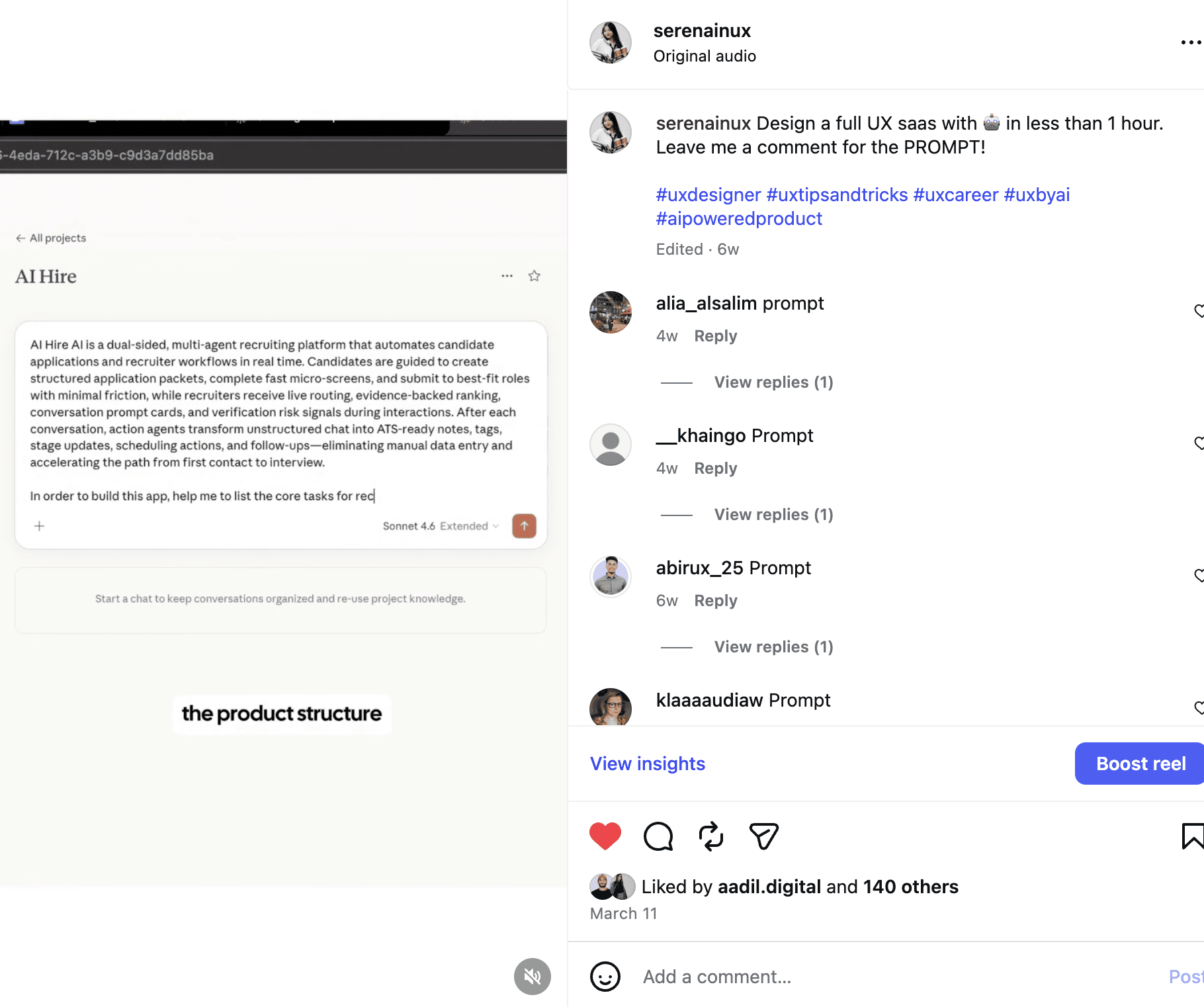
STEP 1. Build foundation
1.1 Map the user flow (15 min)
Write down in Notion:
Actor: who uses this screen?
Goal: what are they trying to accomplish?
Trigger: where do they enter from?
Success: when is the flow complete?
1.2 Define the data model (10 min)
List entities and their relationships. Most designers skip this, but AI needs it to generate UI that matches real data structure.
1.3 List edge cases (10 min)
Every screen has 4 states plus N edge cases. List them before prompting:
1.4 Lock your design tokens (15 min)
This is where designers have the strongest hand. Don't let AI decide. Define upfront:
Prompt for Step 1 (if you want AI to help brainstorm):
Output of Step 1: a single Notion page with 4 sections. This is the brief you'll paste into Step 2.
STEP 2. Build MVP with Claude Artifact
2.1 Open Claude.ai, start a new chat
Make sure you're using Claude Opus 4.7 (model dropdown at the top). Stronger vision means better output.
2.2 Paste the master prompt template
This is the canonical prompt. Copy the full block, fill in the brackets:
2.3 Iterate visually (3 to 5 rounds)
Don't accept the first output. Iterate the way you'd give feedback to a junior designer:
Example:
2.4 Final review inside Artifact
Checklist before moving to Step 3:
All 4 states exist and feel polished
Edge cases handled gracefully
Mobile breakpoint responsive
Tokens consistent (no random hex or spacing)
Microcopy specific, not generic ("Save retreat" not "Submit")
Output of Step 2: a React component running in Artifact, visually approved.
STEP 3. Customize the design system
3.1 Customize tokens inside Artifact
Stay in the Artifact, prompt this:
3.2 Test token cascading
After Artifact applies new tokens, run a quick test:
3.3 Add brand specific touches
This is the layer where designers flex. Pick 2 or 3 micro decisions to give output a signature:
Each detail is small, but together they create identity. This is the craft layer.
3.4 Final visual QA
Before moving to Step 4:
Tokens in globals.css are the single source of truth
No hardcoded color or spacing in components
Typography hierarchy clear (6+ sizes, 2 fonts, 2 weights)
Hover, focus, active states feel cohesive
Switch dark mode (prompt: "add dark mode") and it still looks good
Output of Step 3: a component with brand identity, clean tokens, ready to ship.
STEP 4. Ship with Claude Code
4.1 One time project setup (5 min, do once)
Open terminal:
Setup done. You're now in a Claude Code session, ready to paste artifact code.
4.2 Transfer artifact code (the right way)
In Artifact, click the copy button at the top of the artifact. The full code is now copied.
In Claude Code, paste this prompt with the code:
Claude Code will handle everything, asking confirmation on each file edit. Review each step and test locally.
If this helped, the best thank you from you is a follow + share with one designer friend who needs to see it! More breakdowns coming weekly!!!
— Serena